Gravity Shift
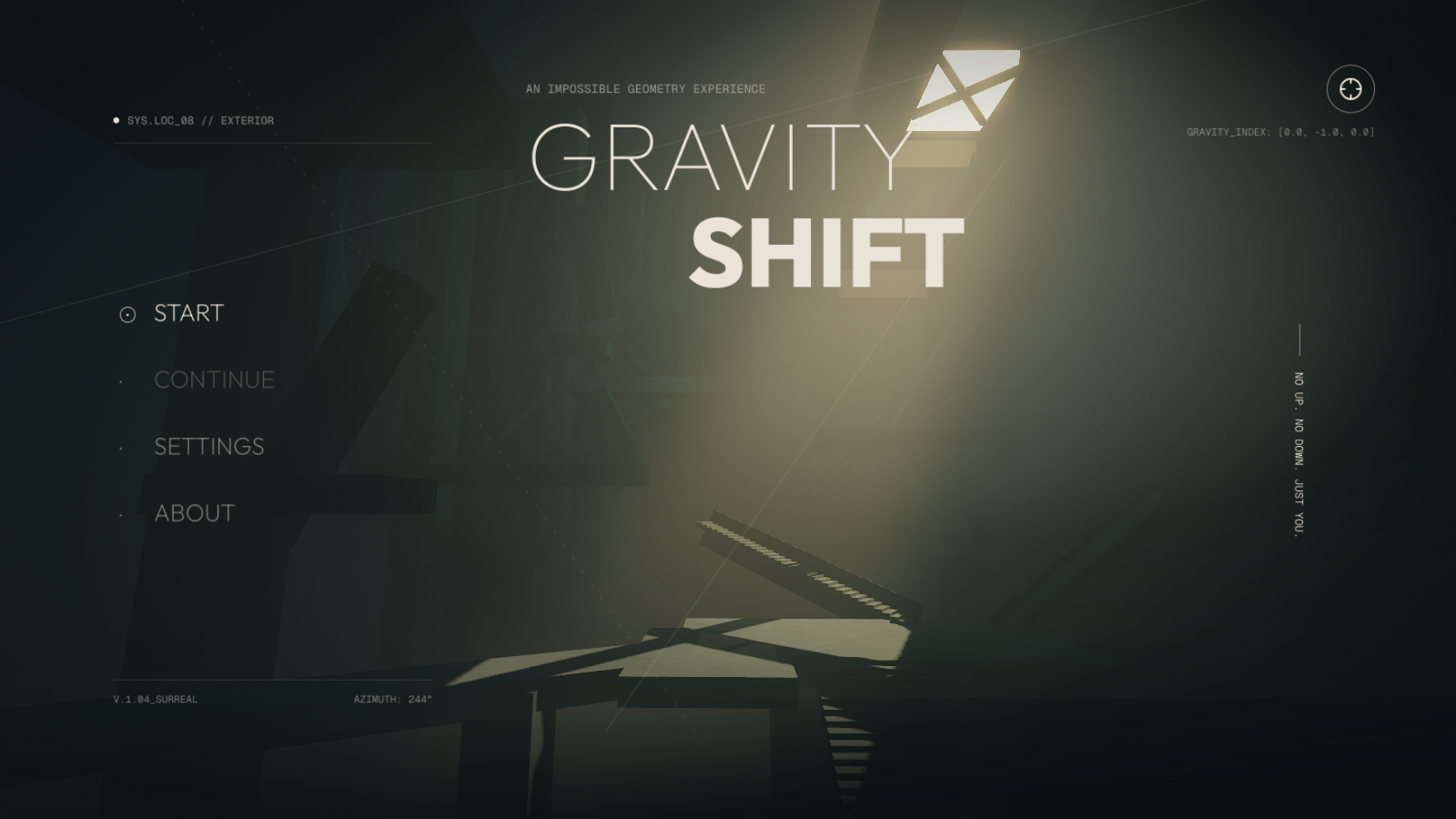
No up. No down. Just you.
Gravity Shift is a first-person spatial puzzle game. Turn walls into floors, read the architecture from a new angle, and find a path through five connected levels.
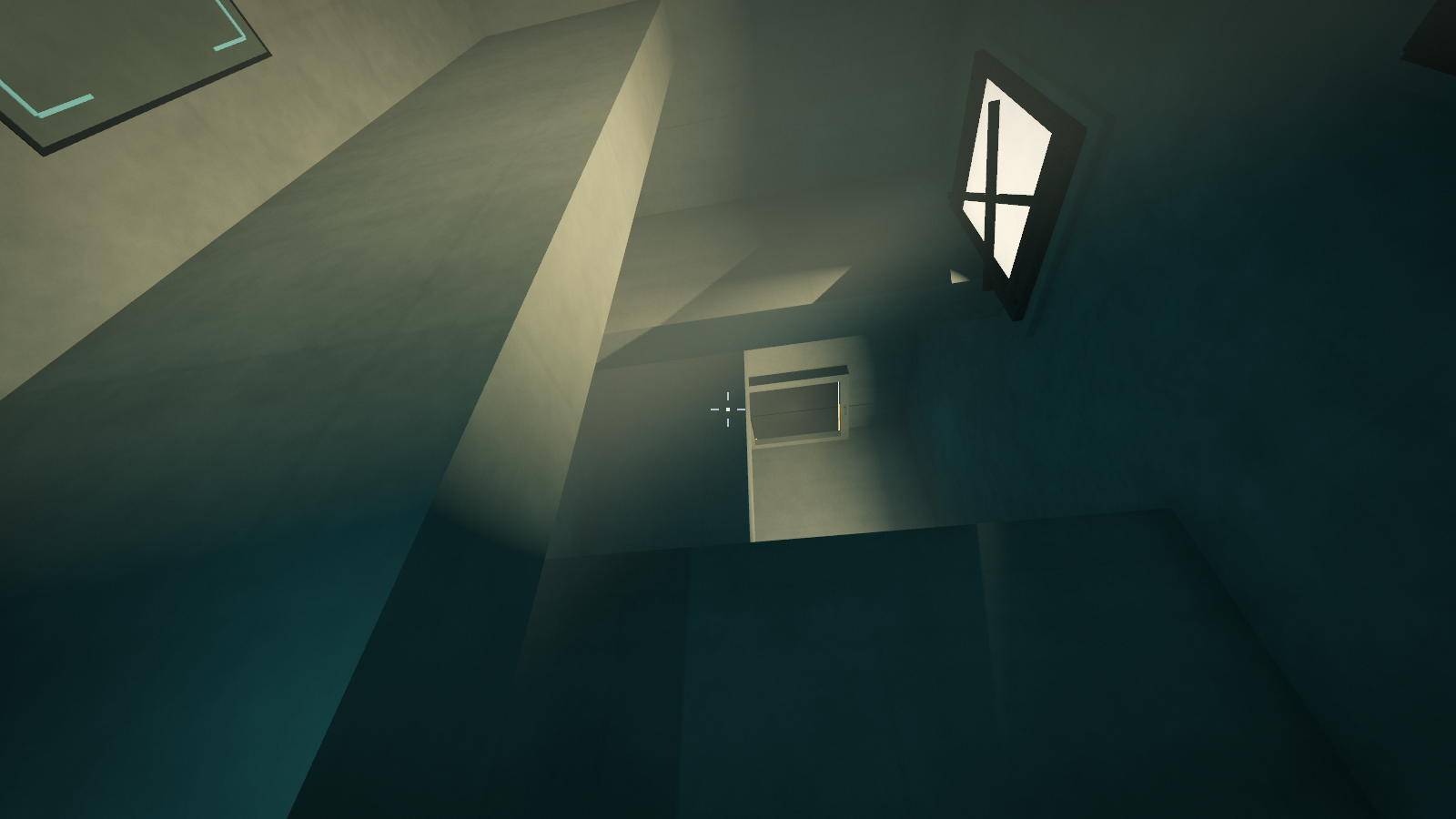
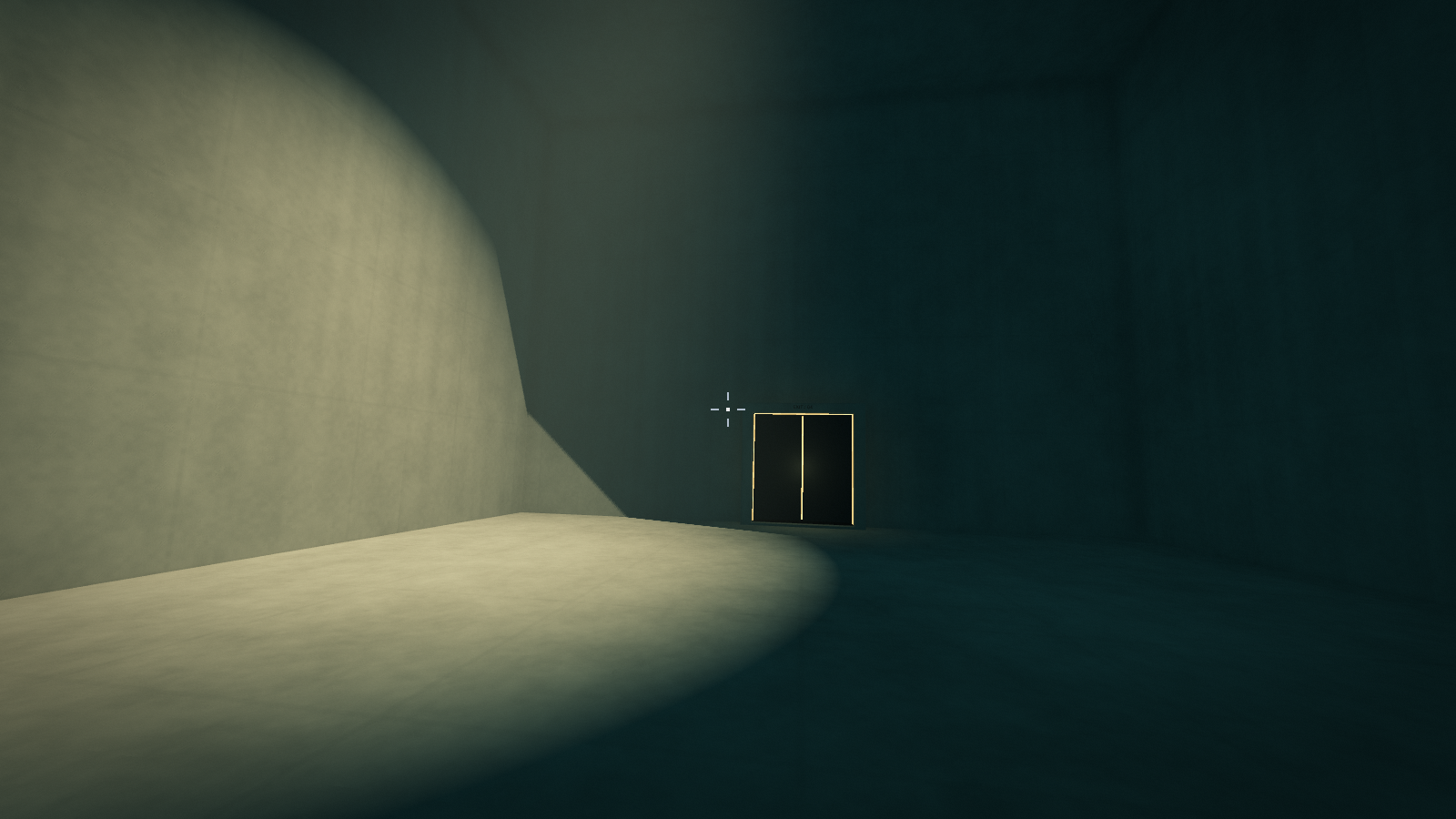
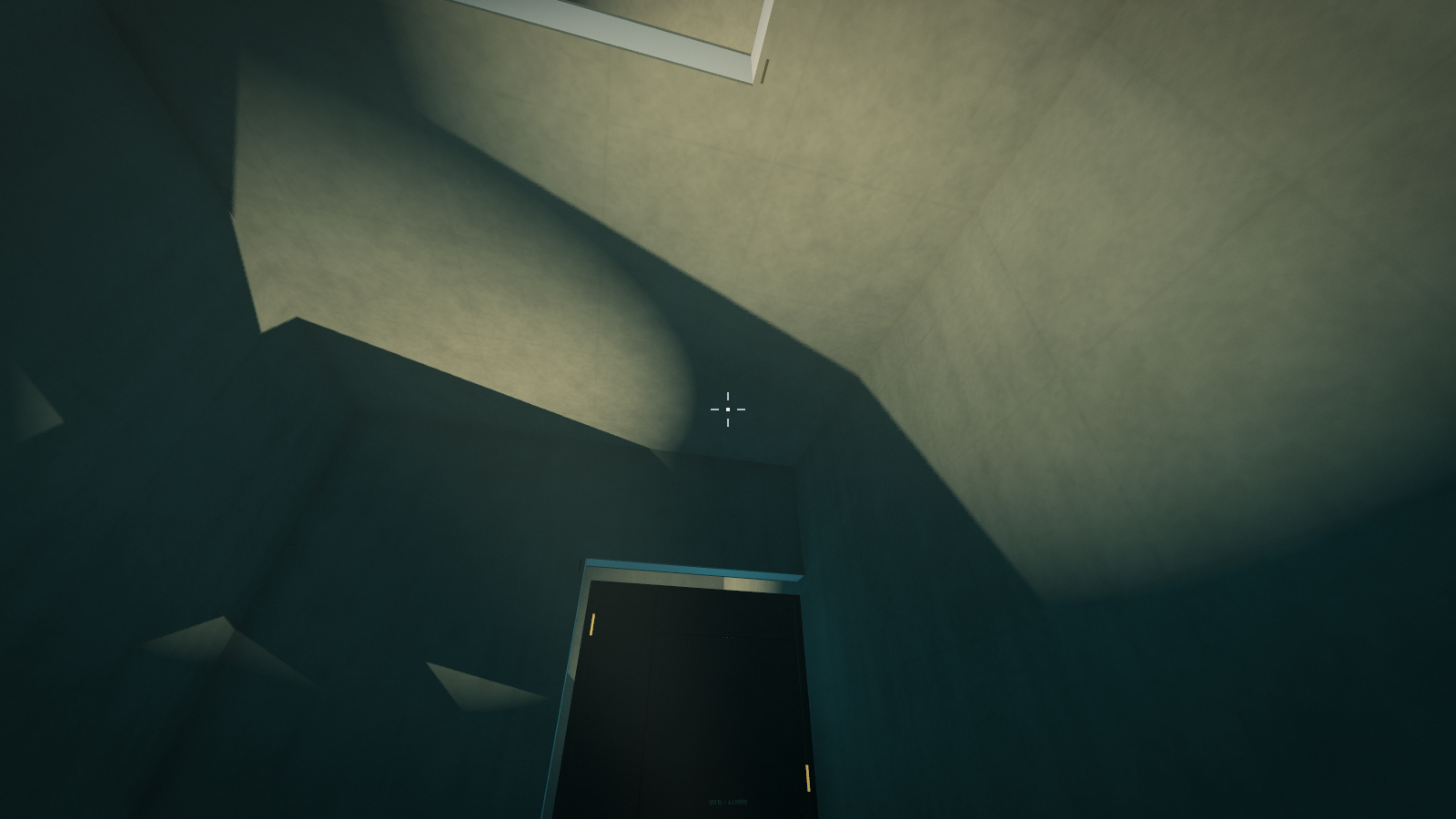
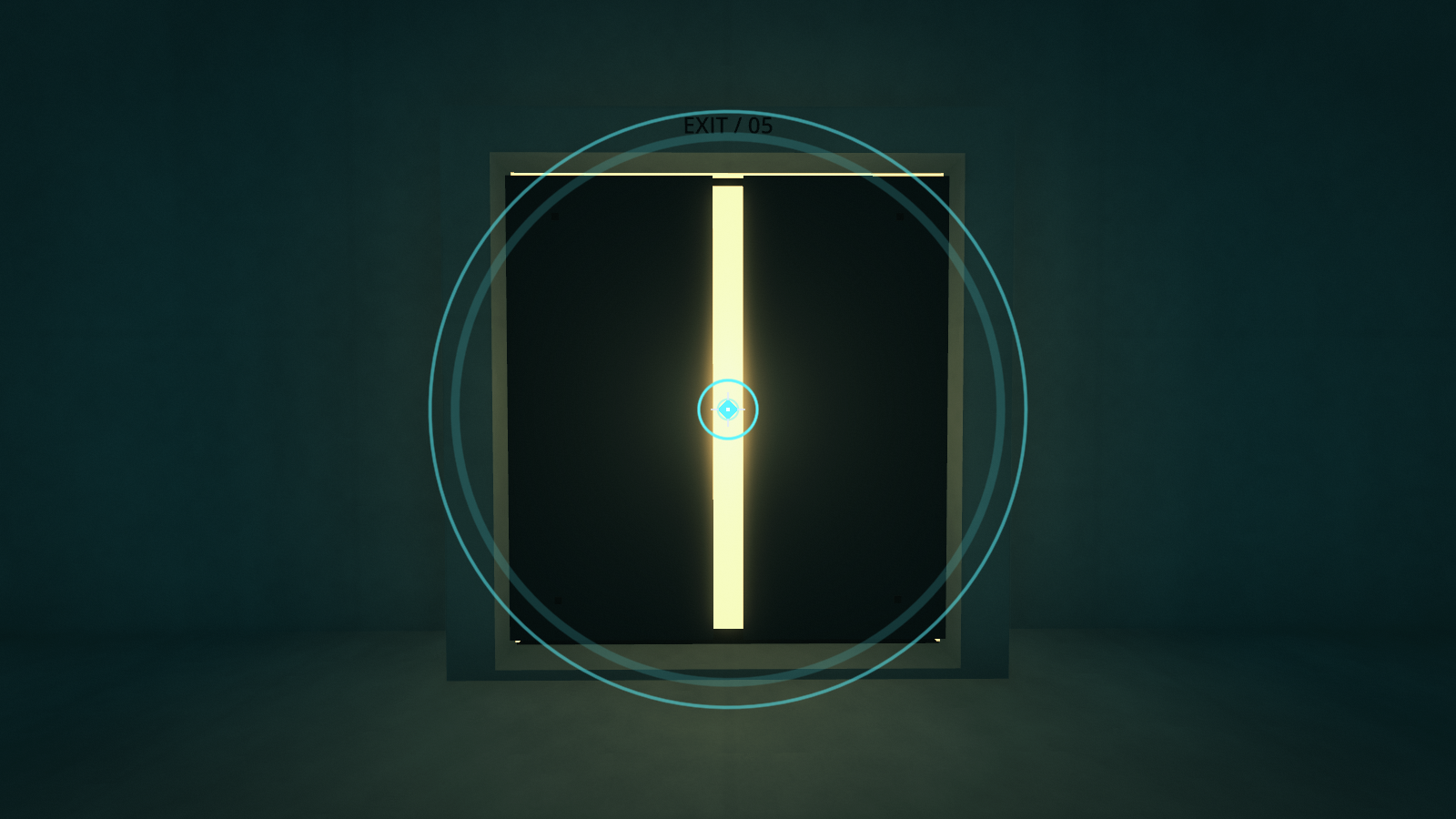
Get close to a suitable surface and shift gravity toward it. Sliding doors respond to gravity, so changing your orientation also changes the route ahead. If you lose your bearings, scan for the exit.
Features
- Five levels built around gravity changes and spatial navigation
- Gravity-driven sliding doors and an exit scanner
- Atmospheric concrete spaces, warm light and spatial sound
- Level selection and continue from the start of your last visited level
Controls
WASD — Move
Mouse — Look
Space — Jump
E / Left click — Shift gravity
Q — Scan for the exit
R — Restart level
Esc — Pause / release mouse
Settings include language, fullscreen, volume and menu camera motion. Use level selection to revisit a stage, or choose CONTINUE to resume at the start of your last visited level.
Play in your browser
Click Run game, then choose START. Play with a keyboard and mouse in a desktop browser; Chrome or Firefox is recommended. Click inside the game to capture the mouse, and use the fullscreen button for a larger view.
If mouse capture is unavailable, WASD still works. Hold the right mouse button and drag, or use the arrow keys to look. Press E to shift gravity. Press Esc to pause or resume. The game defaults to English; choose GAME LANGUAGE in Settings to switch languages.
The Web version uses simplified lighting. Screenshots show the desktop version.
Download & play
Windows x64: Extract the ZIP and run GravityShift.exe.
macOS: Extract the ZIP and open the included application bundle (.app). This universal build is unsigned, not notarized, and has not been tested on a Mac; macOS may block its first launch.
No Godot installation is required. The desktop version uses the Forward+ renderer; a graphics device supporting Vulkan (Windows) or Metal (macOS) is needed. Minimum hardware performance has not been benchmarked.
Download
Install instructions
Browser: Click Run game, then choose START. Use a keyboard and mouse in a desktop browser. Click inside the game to capture the mouse; use the fullscreen button for a larger view.
If mouse capture is unavailable, WASD still works. Hold the right mouse button and drag, or use the arrow keys to look. Press E to shift gravity. Press Esc to pause or resume. The game defaults to English; choose GAME LANGUAGE in Settings to switch languages.
Windows x64: Extract the entire ZIP, then run GravityShift.exe. No Godot installation is required.
macOS: Extract the ZIP and open the included application bundle (.app). Universal build for Intel / Apple Silicon; unsigned, not notarized, and not yet tested on a Mac. macOS may block its first launch.
Controls: WASD to move, mouse to look, Space to jump, E / left click to shift gravity, Q to scan for the exit, R to restart the level, and Esc to pause / release the mouse.yya
Leave a comment
Log in with itch.io to leave a comment.